

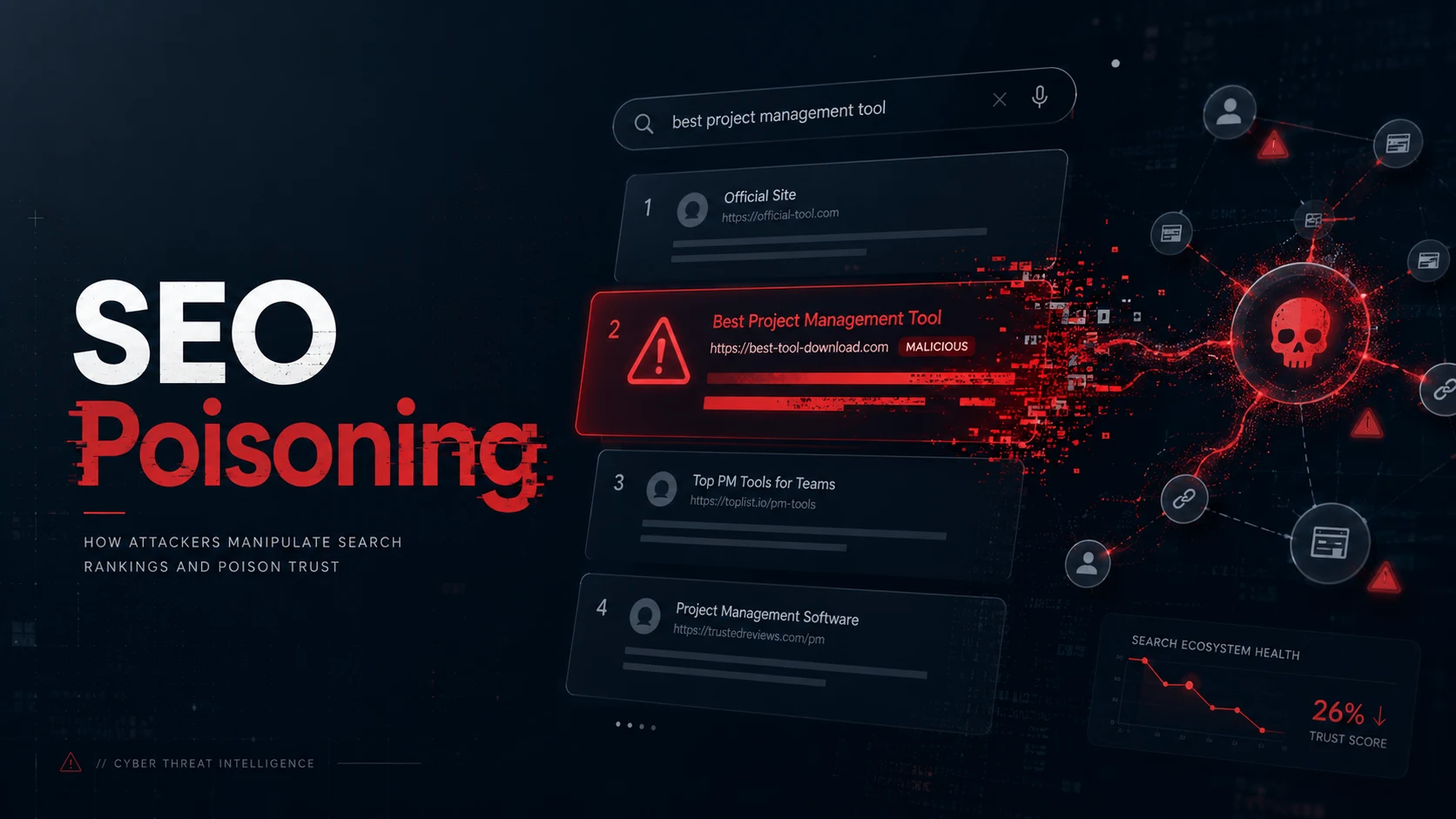
Search engines are where most people start when they need software, documentation, or help. That habit is exactly what makes SEO poisoning dangerous: attackers do not have to hack your inbox first. They only need to rank above the real result.
The Canadian Centre for Cyber Security defines SEO poisoning as threat actors manipulating search results so malicious sites appear alongside—or above—legitimate ones. Users click the top link, assume it was vetted, and land on a fake download page, a credential harvester, or a compromised site serving malware.
This guide explains how that pipeline works, why trusted-brand keywords and guest posts matter, and what builders should do before clicking “Download” from a search result.
Quick verdict
SEO poisoning is not a niche SEO trick. It is a distribution channel for malware and fraud that rides on normal user behavior. The fix is not “avoid Google.” The fix is treating top search results like untrusted links until the domain, file, and publisher are verified—especially for downloads, login pages, and urgent “security update” offers.
What SEO poisoning actually is
Legitimate search engine optimization helps relevant pages rank for real queries: clear titles, useful content, honest metadata, and links from reputable sites.
SEO poisoning inverts that goal. Attackers optimize pages so search engines rank their URLs for queries people already trust: product names, “free PDF,” “crack,” “driver update,” “IT support,” or breaking-news terms. When the click happens, the user may get:
- Malware or ransomware (Canadian Centre for Cyber Security)
- Credential theft via fake login or “support” flows
- Scam pages that push fake helplines or payment
Google’s Safe Browsing ecosystem exists because browsers and search need a shared way to flag unsafe URLs—but poisoning often wins the race before a URL is widely reported, which is why user-side verification still matters.
How attackers manipulate search results
Threat actors combine standard SEO mechanics with abuse. The Canadian Centre for Cyber Security documents several patterns that show up repeatedly in real campaigns.
Keyword stuffing and trending queries
Attackers flood pages with trending or high-intent keywords—sometimes repeated until the copy is nonsense for humans but legible to crawlers. That is keyword stuffing: rank for “Zoom download,” “Chrome extension,” or “tax form 2026,” then swap the landing experience after the click.
Typosquatting and look-alike domains
Typosquatting registers domains one character off a brand (gooogle, micr0soft, adobe-pdf-download). Combined with copied layouts, users do not notice until they have already downloaded a file or entered a password.
Compromised legitimate sites
Poisoning is not only fake domains. Attackers also compromise existing WordPress or business sites and inject malicious download paths or doorway pages. Legitimate domains can temporarily rank for poisoned queries, which makes the link look “safe” in the SERP even when the site owner never intended to host malware.
Link farms and artificial backlinks
Link farms—clusters of sites linking to each other—inflate backlink signals. Search algorithms treat links as endorsements; farms fake that endorsement at scale.
Cloaking and script spoofing
Cloaking (showing crawlers one page and users another) is a classic deceptive SEO tactic and appears in Google’s policy material on bypassing quality and safety review (Ordering Redirect prohibited practices, in the context of deceptive content switching).
Script spoofing and homoglyph domains—URLs that look correct in the address bar—are called out in the same Canadian guidance as ways users are steered to the wrong origin.
Fake download pages: the most common trap
The highest-conversion poisoned result is usually a fake download:
- User searches for a tool, driver, ebook, or template.
- A poisoned result promises the exact file name they expect.
- The page mirrors branding (icons, colors, “official” wording).
- The file is an installer, ISO, or archive that drops a loader, stealer, or ransomware.
Security vendors have tracked loaders distributed this way for years. GootLoader, for example, has been reported in SEO-poisoning campaigns that targeted professional sectors by ranking for document- and contract-related queries—often via compromised WordPress infrastructure (HealthTech Security reporting on GootLoader and SEO poisoning).
You do not need to memorize every malware name. You need to internalize the pattern: search intent + trusted keyword + binary download = verify twice.
Guest posts, parasite pages, and “trusted brand” keywords
Poisoning also spreads through content that looks editorial:
- Parasite SEO places spam or malicious pages on high-trust hosts (aged blogs, university pages, news comment sections, abandoned subdomains) so the URL inherits domain reputation.
- Guest posts and abused contributor flows can plant keyword-rich pages with outbound links to malware or scam funnels if moderation is weak.
- Trusted-brand keywords in titles and H1s (“Microsoft,” “Adobe,” “bank name,” “hospital portal”) borrow reputation the attacker does not own.
For publishers, that is a supply-chain problem: your CMS, author accounts, and old subpaths are part of your security perimeter. See security considerations when developing and managing your website for baseline owner responsibilities.
Real-world pressure: malware operators still invest in SEO
SEO poisoning is not legacy. Financially motivated groups still treat search as a delivery channel alongside ads and email.
Microsoft’s Fox Tempest investigation describes downstream partners using SEO poisoning, malvertising, and other vectors to distribute signed malware payloads. The signing service is the headline—but the distribution mix is the lesson: search results are in the same toolbox as ads for getting binaries onto disks.
What to look for before you click
The Canadian Centre for Cyber Security recommends treating every top result as untrusted until verified:
| Signal | Why it matters |
|---|---|
| Misspelled domain or odd TLD | Typosquatting |
| Page content unrelated to the query | Keyword stuffing / doorway page |
| Cluttered design, broken grammar, urgent pop-ups | Low-effort poisoned templates |
| “Too good to be true” downloads | Fake installers |
| HTTPS padlock alone | TLS does not prove legitimacy—malicious sites can still use HTTPS |
Prefer typed URLs or bookmarked vendor pages for software. If you must use search, open the result in a isolated browser profile and confirm the publisher on the vendor’s official domain before downloading anything.
If you run a website or publication
Attackers can poison your brand’s keywords if your site is compromised or your author surface is abused.
Practical owner actions:
- Patch CMS plugins; remove unused themes and demo installs.
- Monitor Search Console for sudden query spikes to weird URLs.
- Enforce MFA on CMS and DNS; restrict author roles.
- Follow protect your organization from malware and ransomware prevention guidance from the Canadian Centre for Cyber Security.
Builders publishing technical content should also avoid becoming accidental parasite hosts: retire stale subdomains, close open redirects, and audit /tag/ and search pages that attackers love to index.
QuBrite field note
Search is a user interface problem as much as a security product problem. Most people were trained to trust page one. SEO poisoning exploits that training.
For operators, the habit shift is simple: search finds candidates; it does not certify files. Verify the domain, verify the publisher, verify the hash when possible, and treat unexpected installers as hostile until proven otherwise.
For hands-on defensive practice without crossing legal lines, see our guide on Cybersecurity Labs: How to Learn Safely Without Breaking the Law. For building reliable publication inputs that resist search manipulation, see Why RSS Still Matters for Automated Tech Publications.
FAQ
Is SEO poisoning the same as spam SEO?
Related, not identical. Spam SEO clutters results with low-value pages. SEO poisoning often aims at malware delivery, fraud, or credential theft, not just ad revenue. Government guidance treats poisoning as an attack vector, not a marketing nuisance (ITSAP.00.013).
Can Google block all poisoned results?
Search and Safe Browsing teams continuously flag unsafe sites (Google Safe Browsing advisory overview), but new domains and compromised pages appear faster than blocklists can cover every query. Assume zero-day poisoned URLs exist for hot keywords.
Are Mac and Linux users safe?
No platform is immune. Attackers follow search volume. Less-common platforms may see fewer generic sprays, but targeted poisoned downloads for popular cross-platform tools still land.
Should I report a poisoned result?
Yes—report through your browser’s unsafe-site flow and, if you operate a site that was abused, through your host and search console. Faster reporting shrinks the window others click the same URL.
Sources / further reading
- Search engine optimization poisoning (ITSAP.00.013) — Canadian Centre for Cyber Security
- Exposing Fox Tempest — Microsoft Security Blog
- Safe Browsing advisory — Google for Developers
- Security considerations when developing and managing your website — Canadian Centre for Cyber Security
- Protect your organization from malware — Canadian Centre for Cyber Security
- GootLoader malware and SEO poisoning (sector reporting) — TechTarget HealthTech Security
QuBrite Dispatch
Operator-focused playbooks, system teardowns, and tech reviews. One email, weekly.
Newsletter launching soon. Subscribe via RSS in the meantime.